
How it works
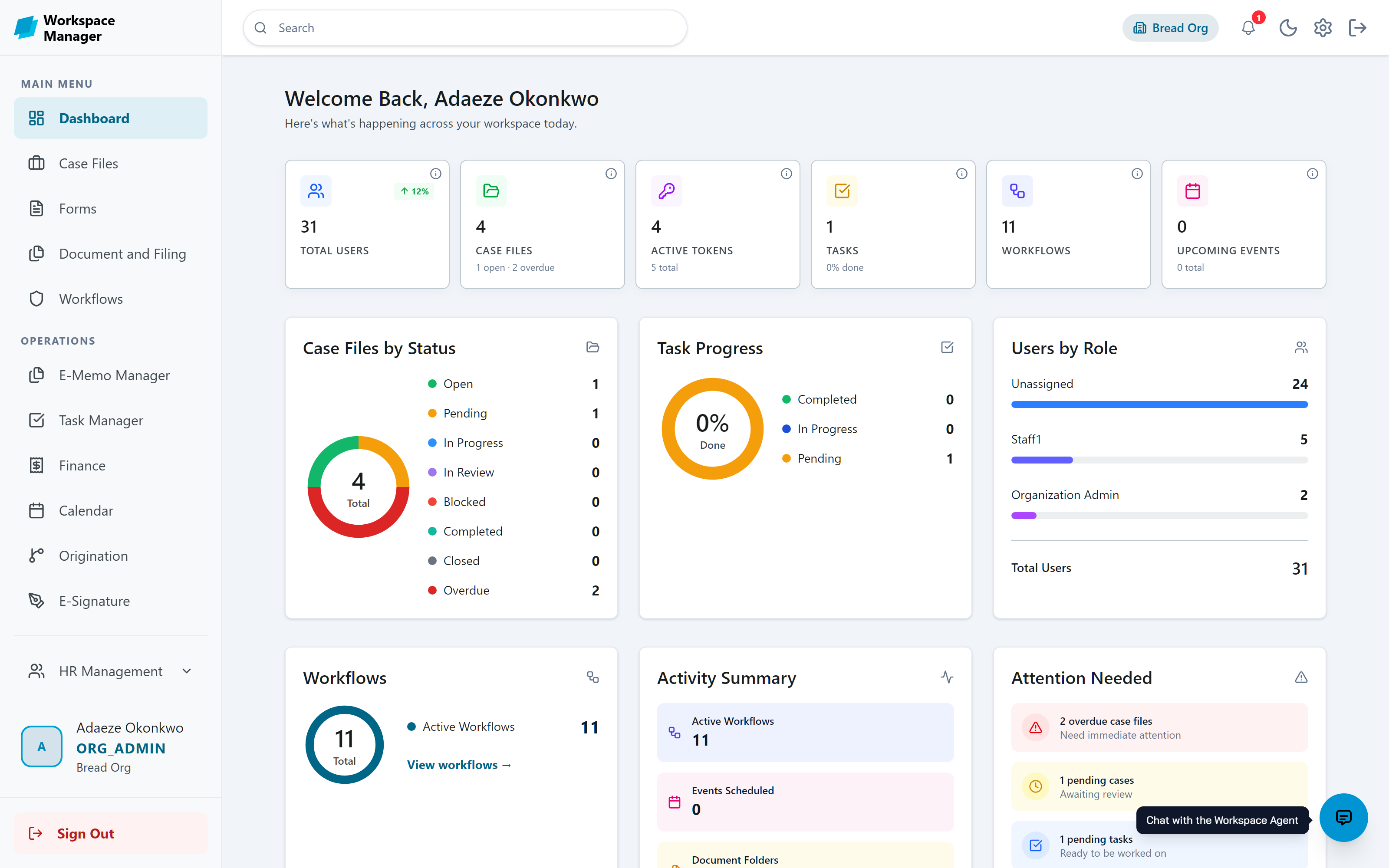
Design forms, automate approvals, and keep documents and decisions in one place. Every screenshot below is the real product, not a mockup.
Feature Highlights
The modules teams touch every day, each explained in a minute or less.
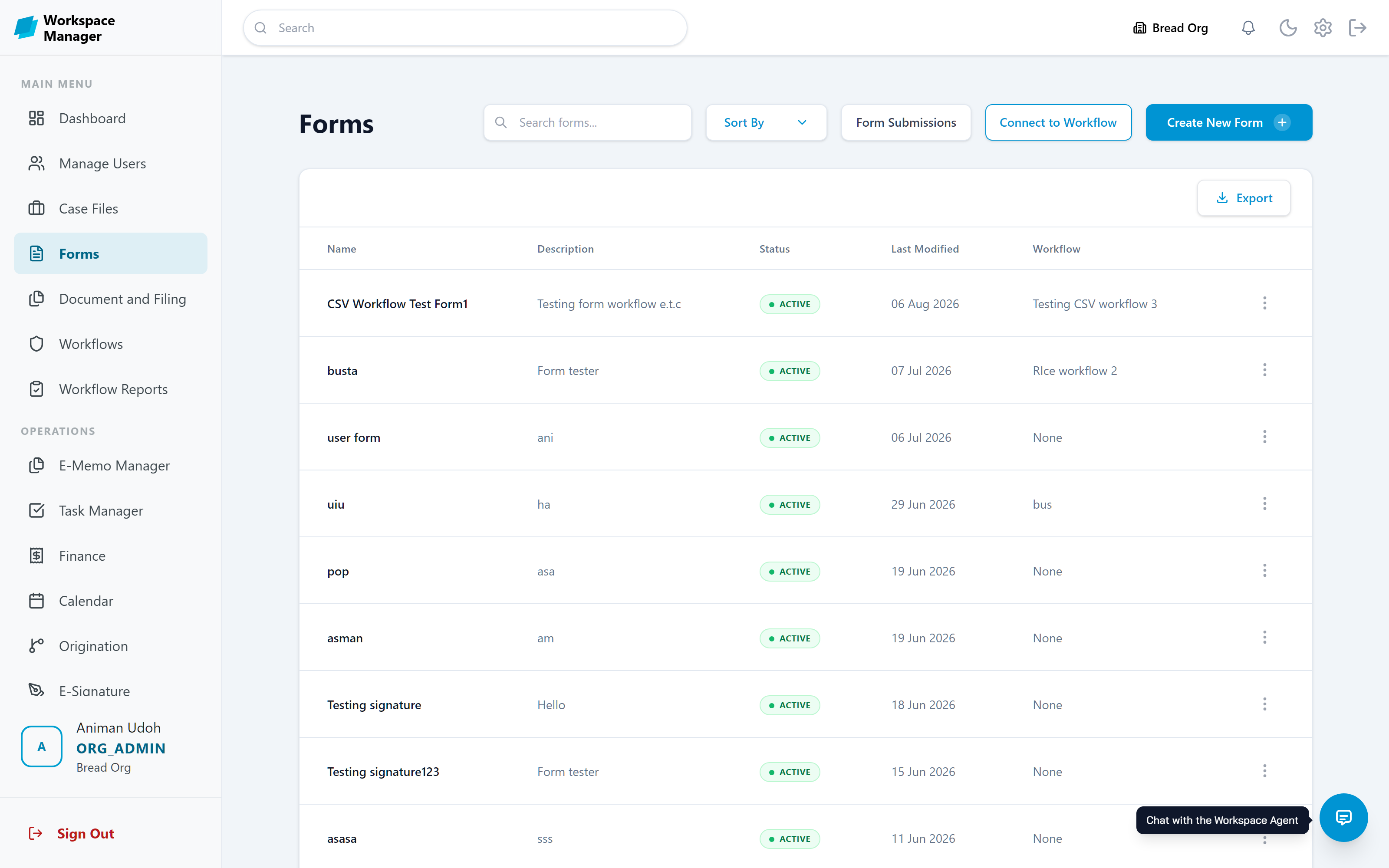
Build forms without writing code
Forms are where every process starts. Drag the fields you need onto the canvas, pick a template, and publish. When a form is connected to a workflow, every submission starts that process automatically.
- Drag-and-drop builder with templates and themes
- AI assistant that drafts a form from a prompt
- Connect to Workflow to route every submission
- Search that looks inside form content, not just names
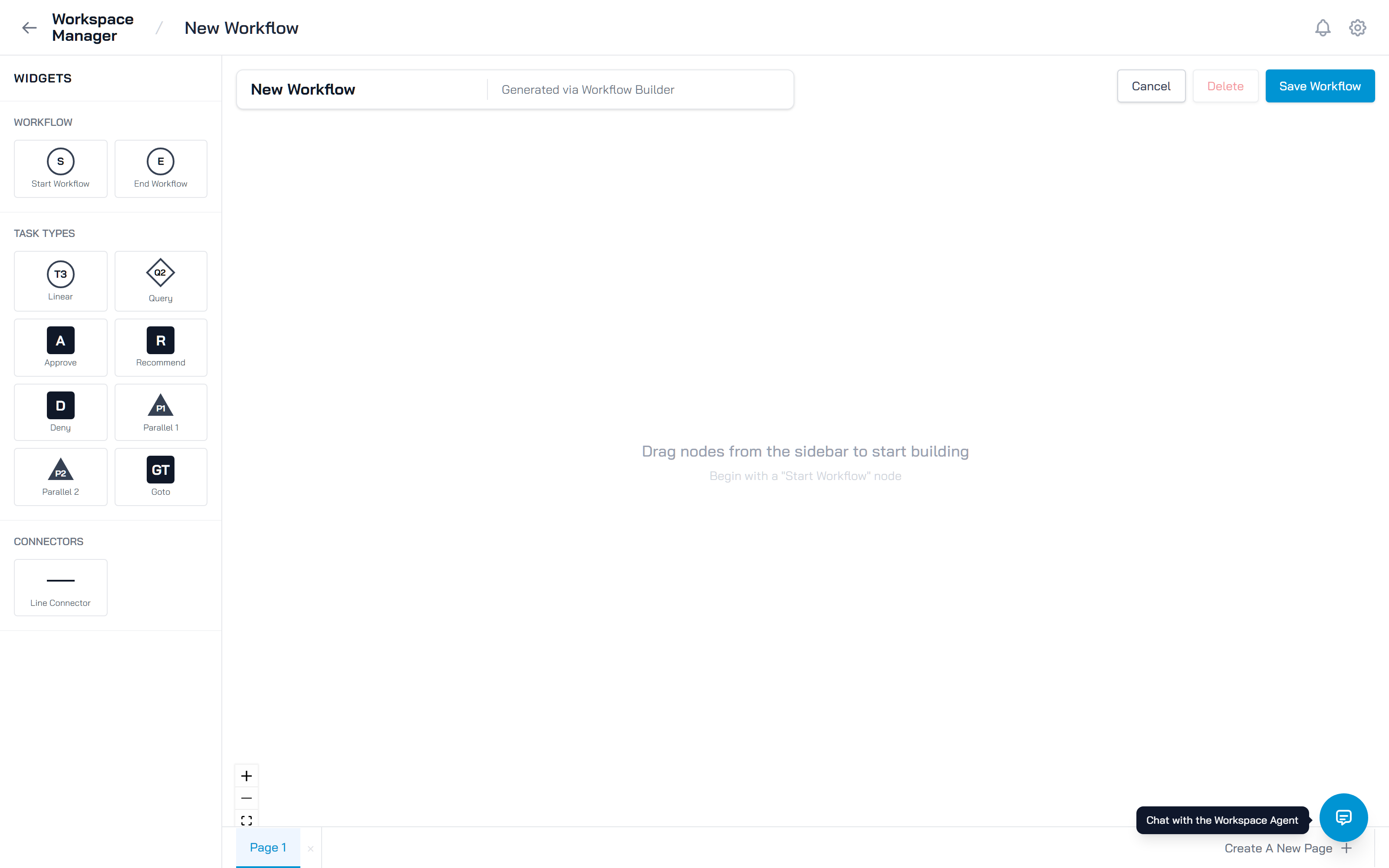
Route work through clear, owned stages
A workflow is a chain of steps, and every step has an owner. Owners move work forward or back, refer it to someone else, or pause it. Decision steps branch on approve, deny, query, or recommend.
- Visual builder, plus import from a spreadsheet
- Approval, query, recommend, and parallel step types
- Test Run lets you rehearse the whole flow yourself
- Every finished run ends with a recorded Accepted or Denied outcome
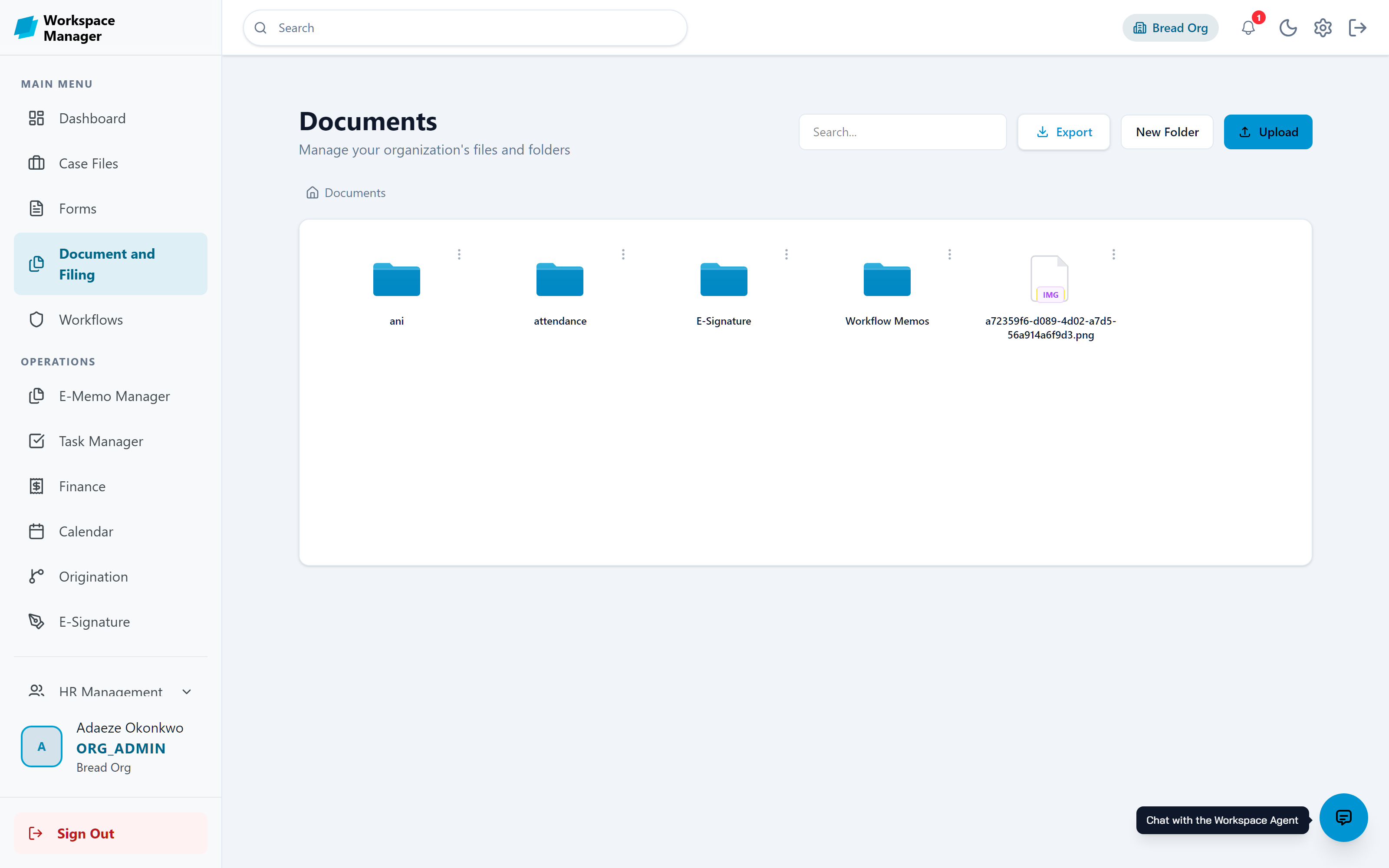
File everything, control who sees it
One organised home for your files. Drag documents between folders, decide who can view or edit each one, and put extra protection on the sensitive ones.
- Folder trees with drag-and-drop filing
- View, edit, and full-control permission levels
- Passwords, expiry dates, and access limits per file
- Export lists to CSV, Excel, or PDF
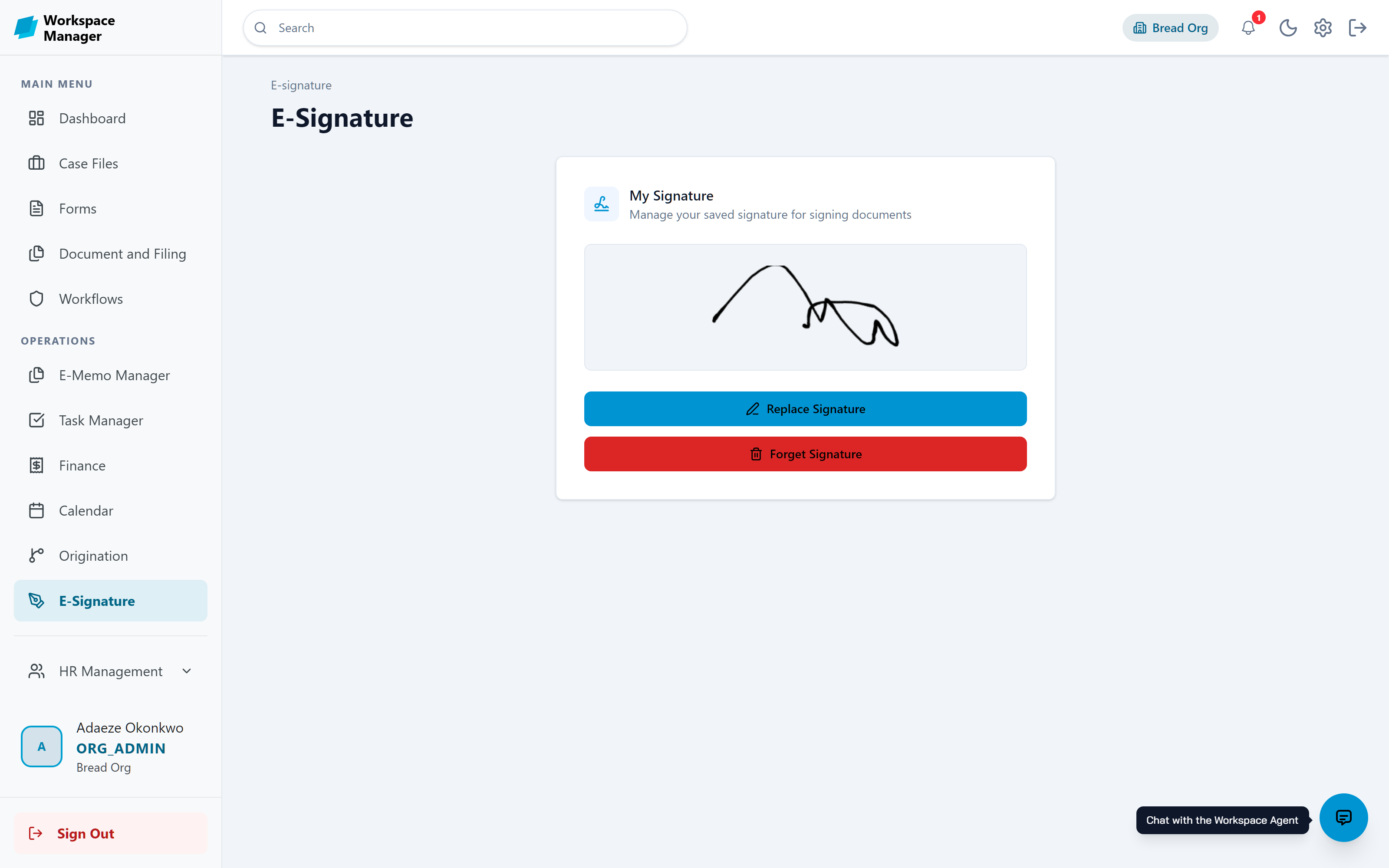
Sign documents and memos digitally
Draw or upload your signature once, and use it across memos, documents, and approvals. Changing a saved signature always requires a one-time code, so it stays yours.
- Draw or upload your saved signature
- One-time code verification on save and sign
- Place and resize signatures on documents
- Signatures travel with memos and approvals
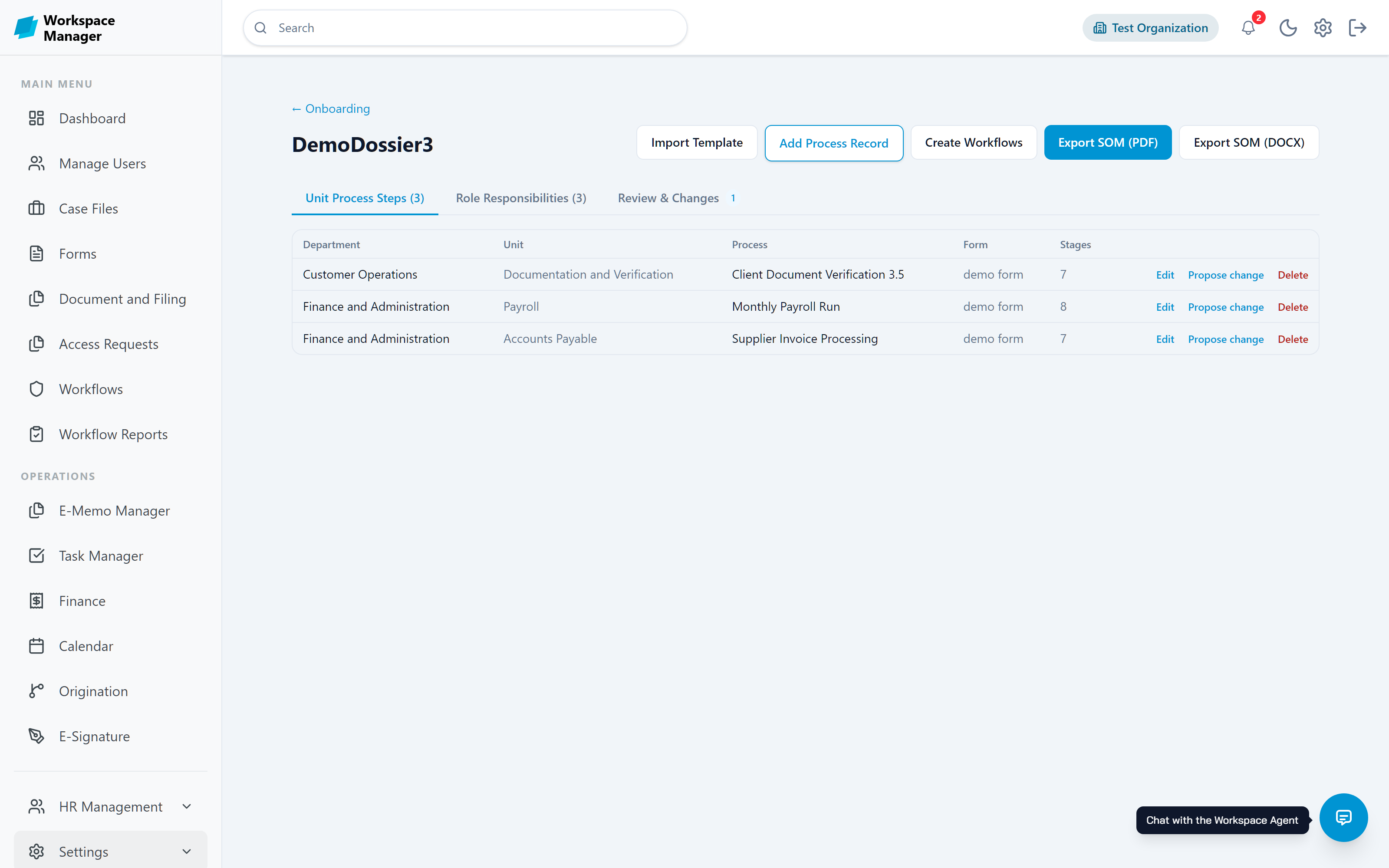
Capture an organisation, one dossier at a time
A dossier is where a consulting engagement lives. Import the Org Onboarding Template and it fills with departments, units, processes, and role responsibilities, ready to review, turn into workflows, and export as a Standard Operating Manual.
- Import a filled template, or add process records by hand
- Unit process steps and role responsibilities in one place
- Turn captured processes straight into workflows
- Export the finished manual as PDF or Word
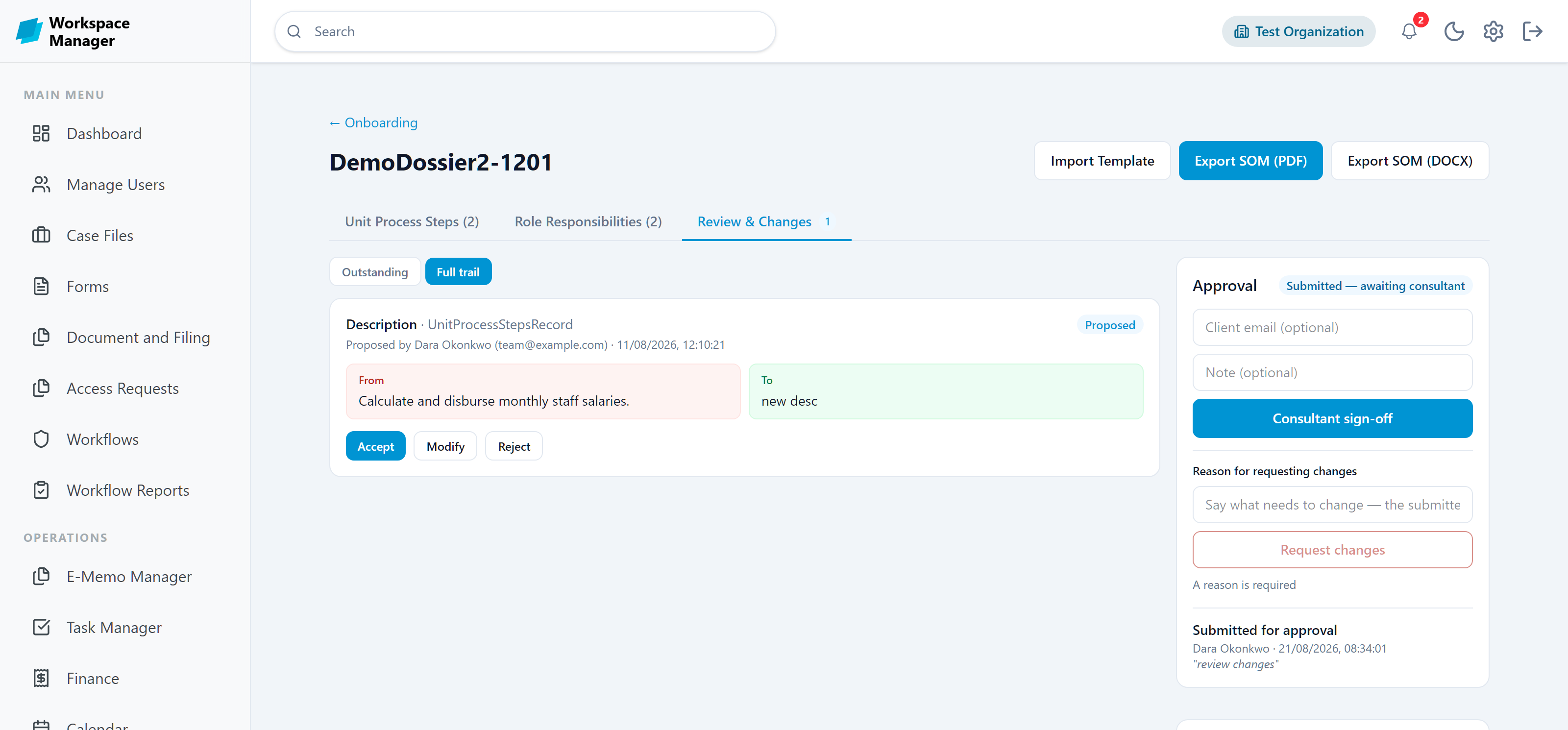
Propose a change, do not overwrite the answer
Consultants and their internal counterparts work the same dossier without stepping on each other. A proposal shows the old value beside the new one, the reviewer accepts, modifies, or rejects it, and the whole exchange stays attributed on the record.
- Side-by-side view of what changes and why
- Accept, modify, or reject with a full attributed trail
- Nominate a review counterpart who gets notified
- Consultant sign-off, then client sign-off, both recorded
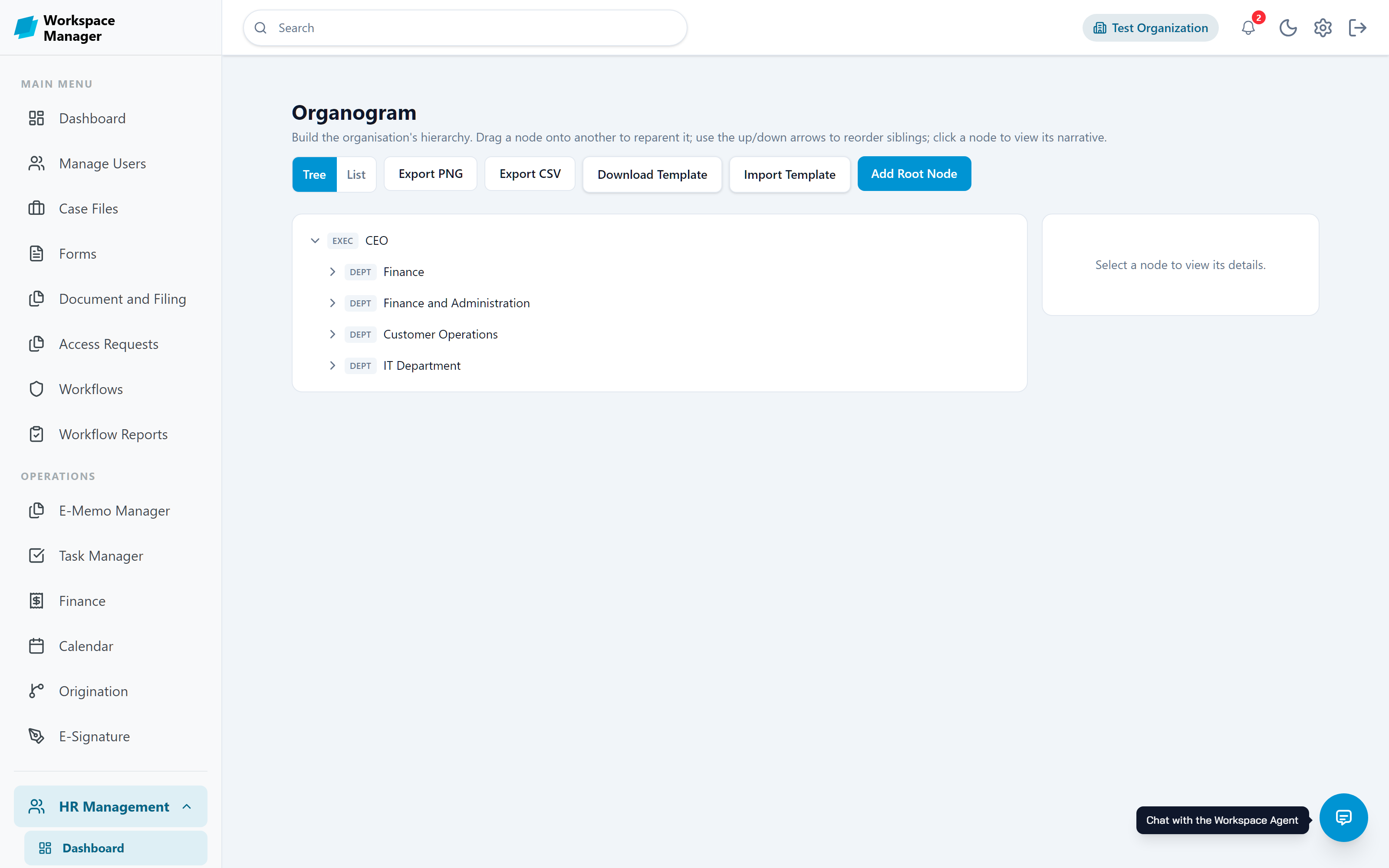
Turn discovery into a living structure
What a consultant captures becomes your real organisation chart. Build the hierarchy by dragging nodes, attach role profiles to positions, restrict access per node, and export the chart when someone asks for it.
- Drag nodes to reparent, reorder siblings, add narratives
- Role profiles attached to positions
- Per-node access restrictions by role
- Import from a template, export to PNG or CSV
Give each person exactly the right access
Create your own roles and pick what each one can see and do, permission by permission. New people get a role on day one, so access is never an afterthought.
- Custom roles with granular permissions
- System roles for admins, builders, and staff
- Bulk import users with roles already assigned
- Menus and pages adapt to what each role allows
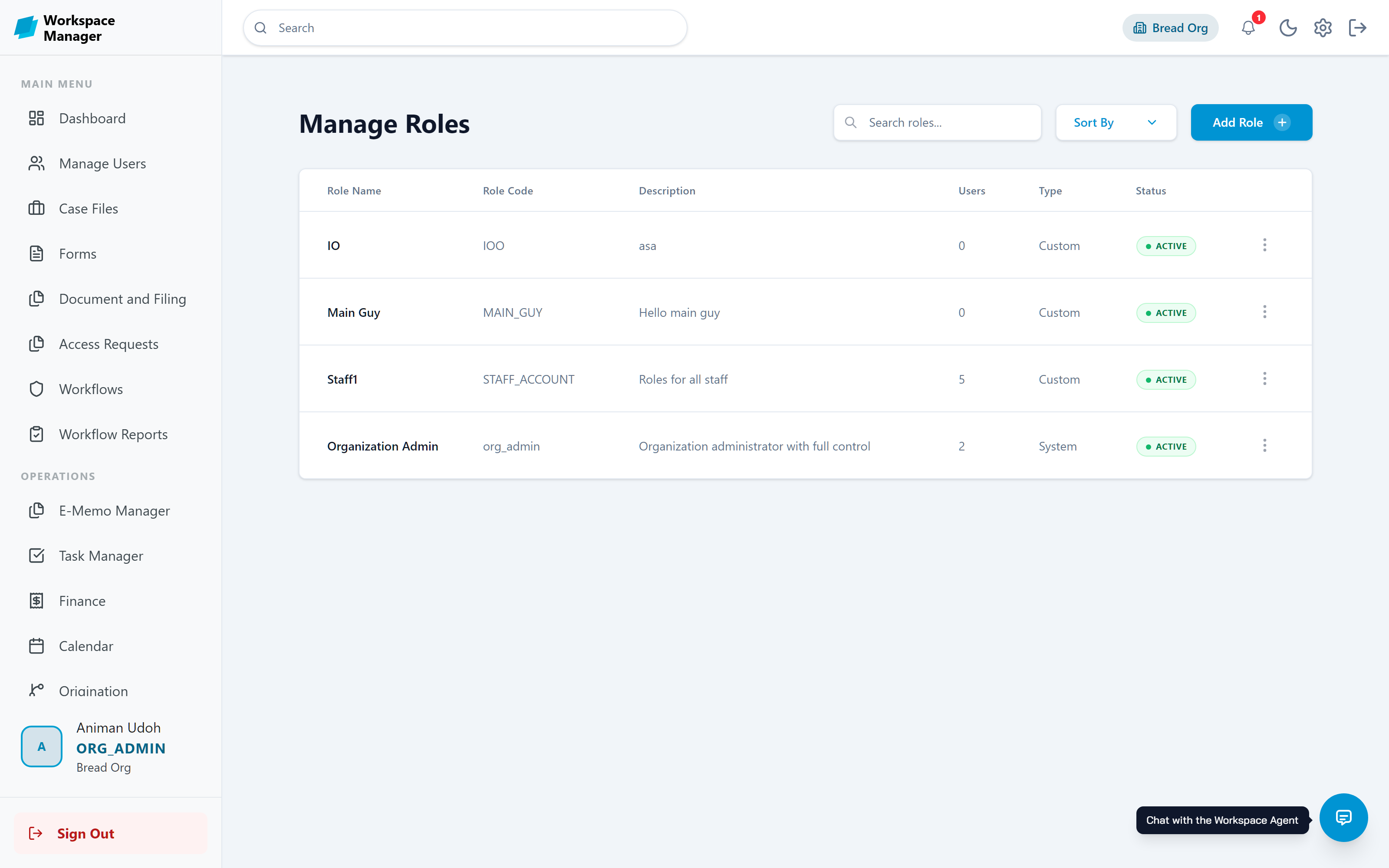
See every action, whenever you need to
The audit log records who did what, when, and whether it worked. Filter by user, method, date, or result, and get answers in seconds instead of meetings.
- Every request logged with its result
- Filter by user, action, date range, and status
- Made for compliance reviews and investigations
- Workflow decisions kept in completion reports
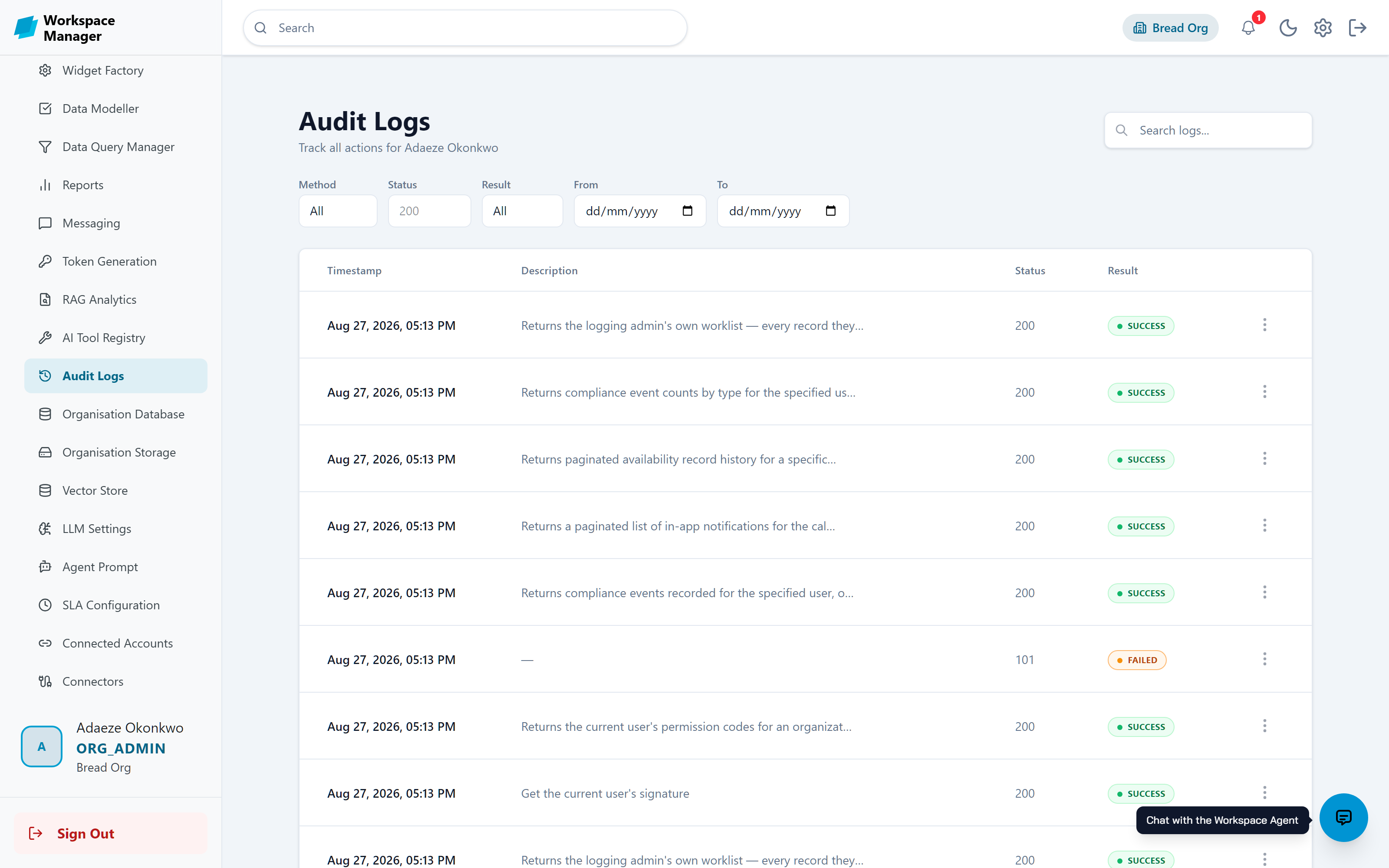
An assistant that knows your workspace
The Workspace Agent sits in the corner of every page. Ask it questions, let it find records, draft forms, or carry out actions for you. It asks before it acts, and it can only do what your role allows.
- Answers questions from your own workspace data
- Generates forms and guides workflow building
- Performs actions only after your confirmation
- Scoped to your role and permissions at all times
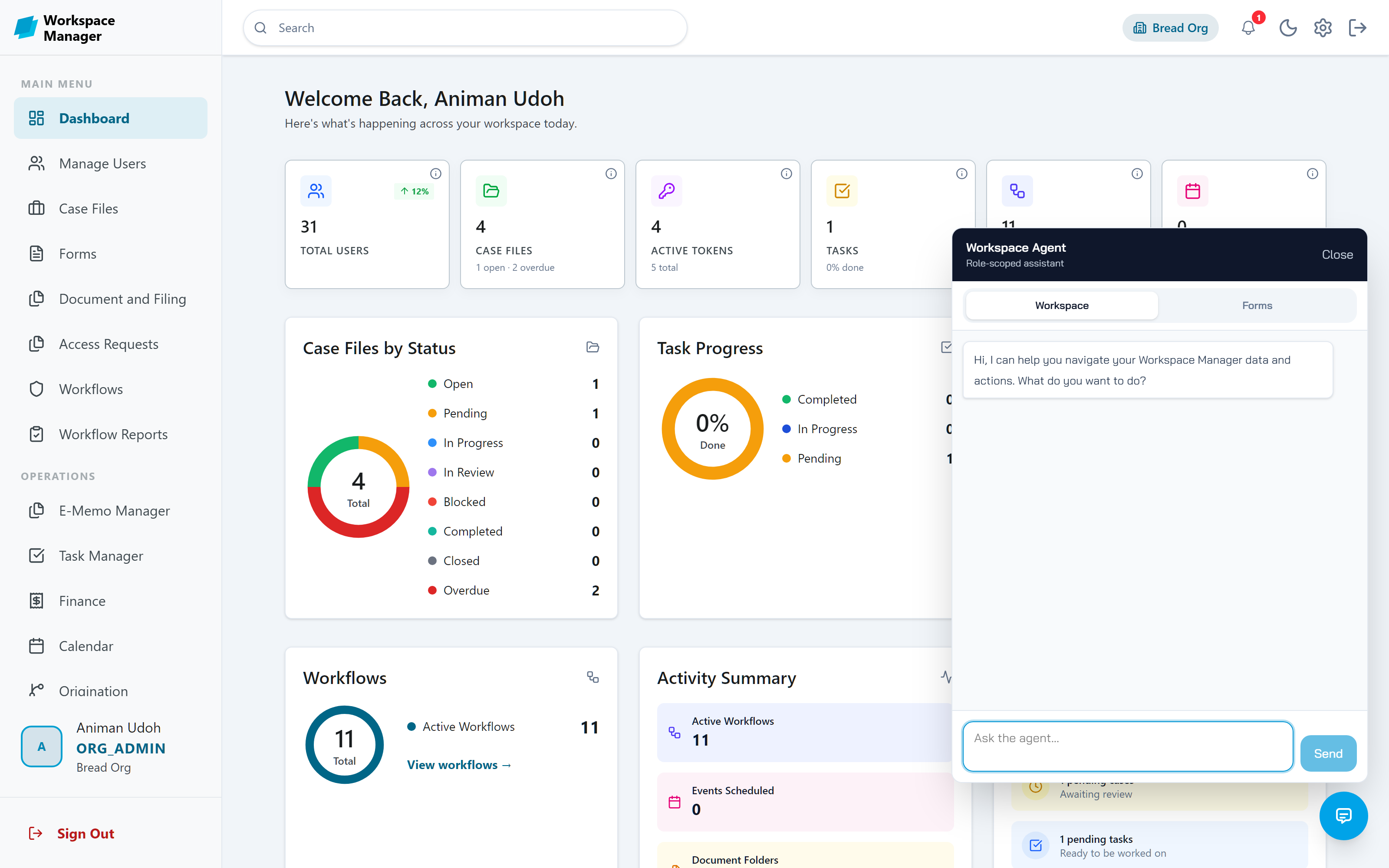
Keep events and deadlines in view
Schedule events with invitees, reminders, and meeting links. Each invitee's confirmation is tracked, and events sit right beside the tasks and workflows they belong to.
- Day, week, and month views
- Invitees with per-person confirmation status
- Recurring events, alarms, and meeting links
- Active and archive views with export
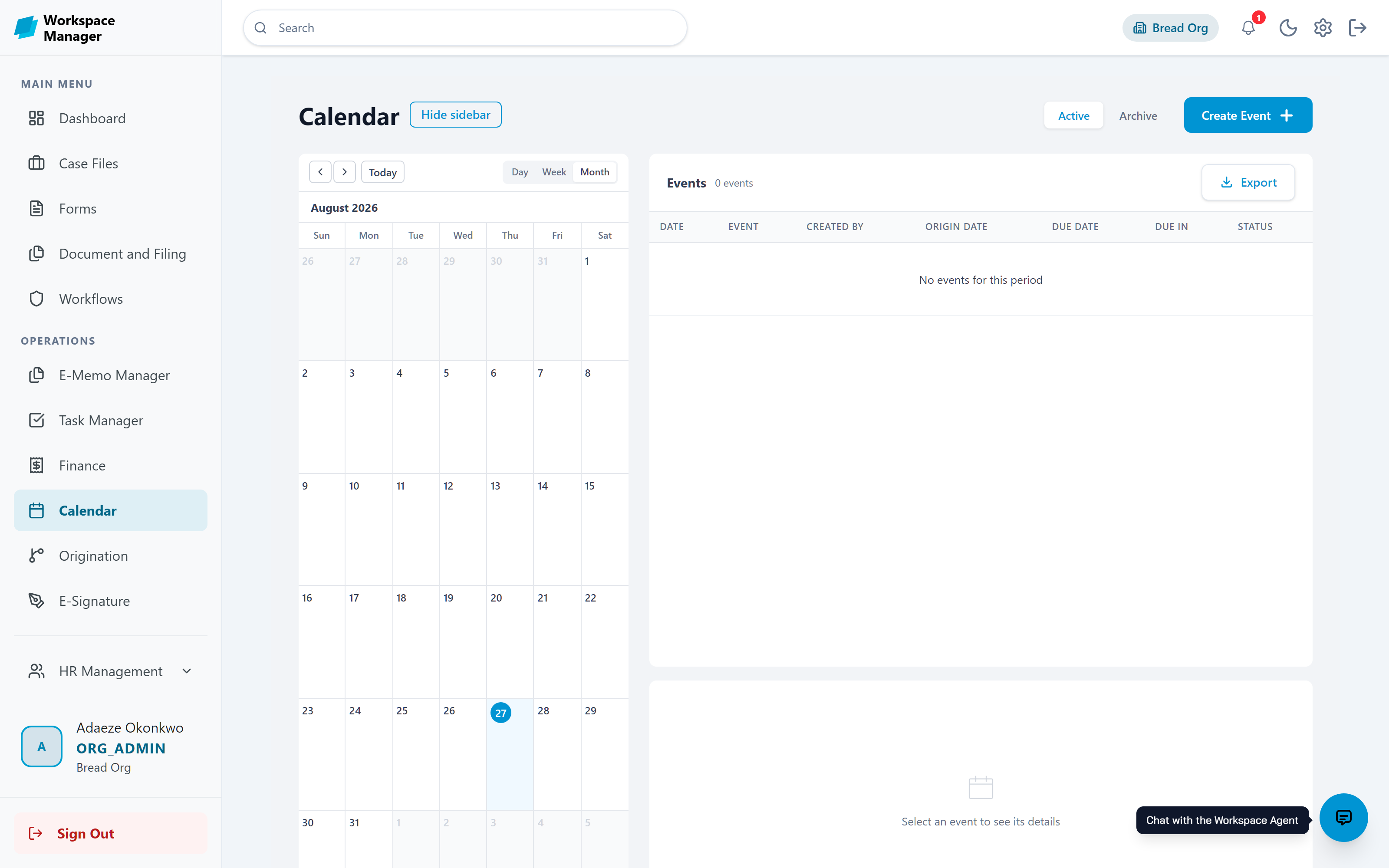
Bring in a consultant without opening the whole building
Every organisation ships with two roles for engagement work. They open Onboarding and Organogram, and nothing else.
For the external consultant engaged on a dossier
- Reaches Onboarding and Organogram, and nothing else
- Proposes changes and works the review trail
- Records the consultant sign-off they were nominated for
- Never sees personnel records, leave, attendance, or payroll
For the staff member working alongside them
- Same access, named so the hand-off is obvious to everyone
- Notified whenever a change is proposed on their dossier
- Accepts, modifies, or rejects each proposal
- Keeps their existing day-to-day role and permissions
No more over-granting access
Bringing in a consultant used to mean handing over the whole HR area. These two roles carry only what the engagement needs.
The hand-off is visible
Anyone looking at a dossier can tell who is the outside consultant and who is the internal reviewer, without asking around.
Nothing is lost in email
Proposals, decisions, and sign-offs live on the dossier with names and timestamps, so the engagement documents itself.
Discovery becomes a system
The structure a consultant captures becomes your live organogram, your role profiles, and your first workflows.
Dark mode and mobile, included
Every page works in light or dark and on any device, so the workspace fits the way your team actually works.
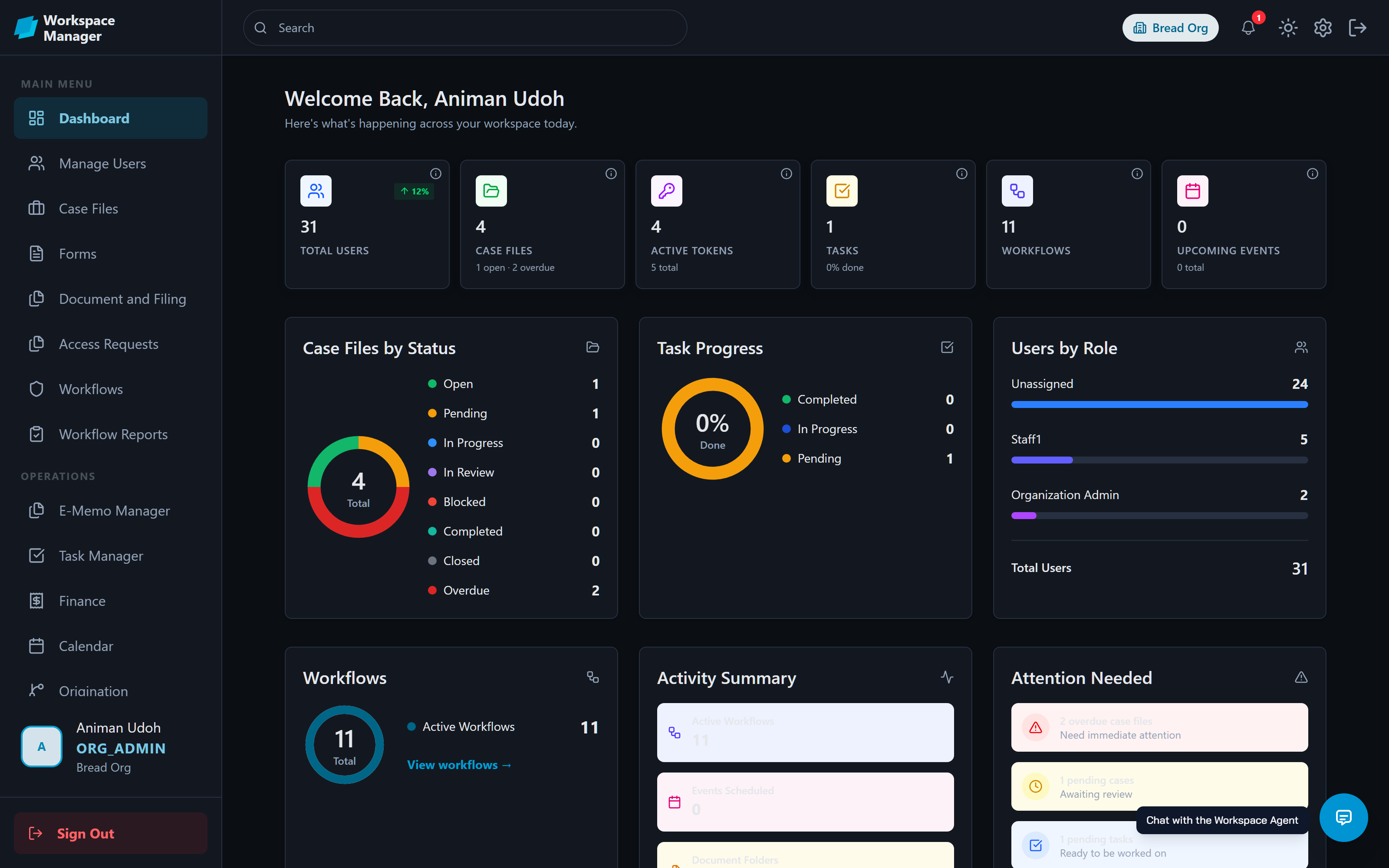
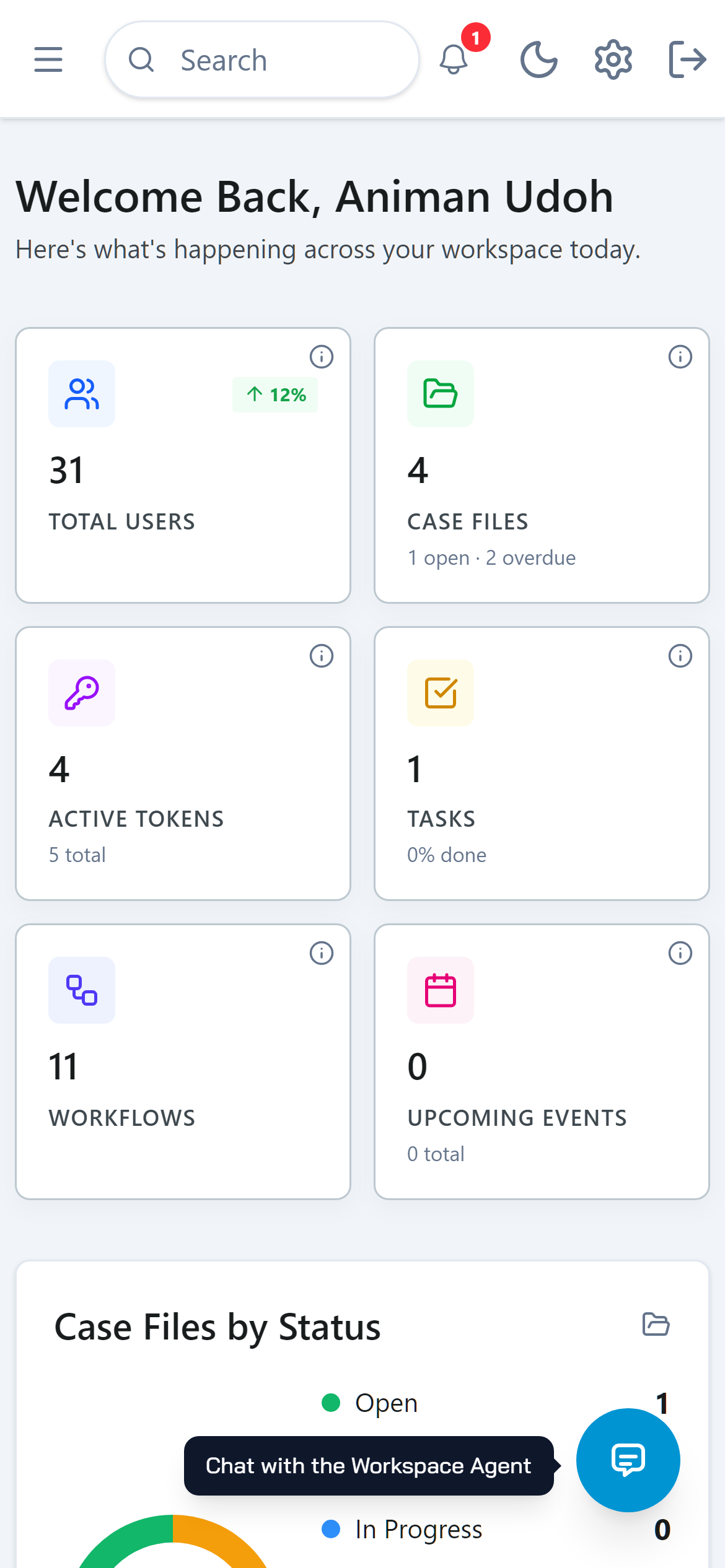
One platform, many operations
Every module shares the same organisation, permissions, and audit trail, so nothing falls between systems.
Case Files
One record per client or project, holding its tasks, milestones, documents, memos, and linked workflows.
Standard Operating Manual
Export a finished dossier as a formatted PDF or Word manual, ready to hand to the client.
Role Profiles
Designation, responsibilities, reporting lines, and direct reports attached to each position in the chart.
E-Memo Manager
Formal internal memos with recipients, attachments, and signatures. The full memo trail stays with the work.
Task Manager
Personal and team task queues with priorities and due dates, feeding the dashboard's attention view.
HR Management
Leave requests and approvals, team presence, and the employee directory, all under one set of permissions.
Finance
Invoices, expenses, payments, and client accounts, with invoice approval wired into workflows.
Reports and Data
Model your own tables, save reusable queries, and build reports you can share by public link.
Workgroups
Named team queues that can own workflow steps, so work goes to a team instead of one person.
API Tokens
Generate and revoke access tokens to connect your own systems to the workspace.
Bring Your Own Stack
Connect your own database, storage, vector store, and AI provider, with usage metered per model.
See it with your own data
Set up your organisation, build your first form, and take a workflow from rehearsal to runtime.