
Every module, and what it is actually for
Workspace Manager is broad on purpose, because back-office work is. Here is the whole platform, grouped by the job you are trying to get done.
Capture the work and move it
The pair of modules most teams start with. A form collects the request, and a workflow carries it to the people who decide.
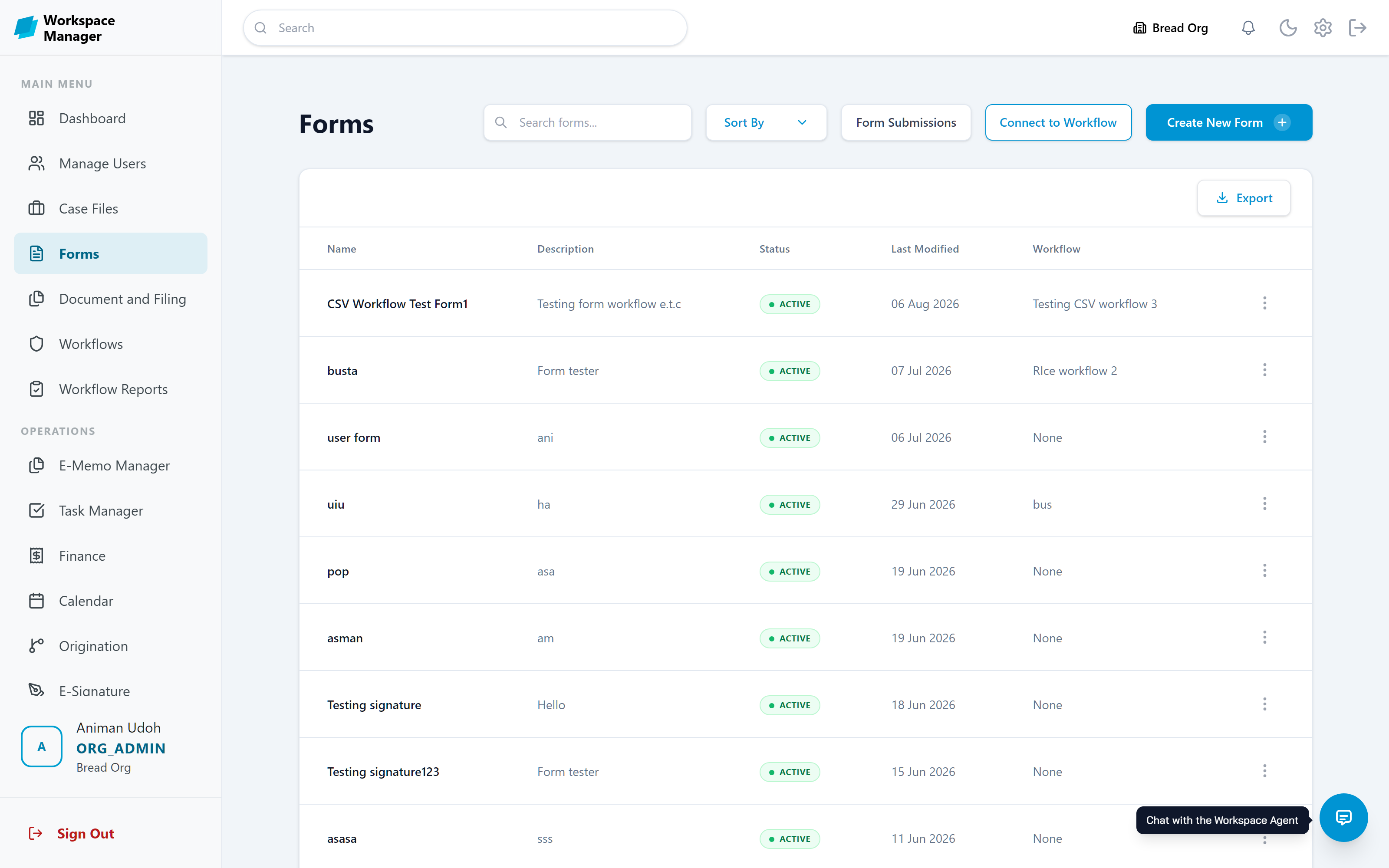
Forms
A drag-and-drop builder with templates, themes, smart fields, and validation. Connect a form to a workflow and every submission starts that process on its own.
Workflows
Chains of stages, each with a named owner. Move work forward or back, refer it, or pause it. Decision stages branch on approve, deny, query, or recommend.
Workflow Reports
A completion ledger of every finished run: who initiated it, who decided, when, and whether the outcome was Accepted or Denied.
Keep the day to day in one place
Once processes are running, these are the modules people live in: their tasks, their client files, and the formal paper trail between them.
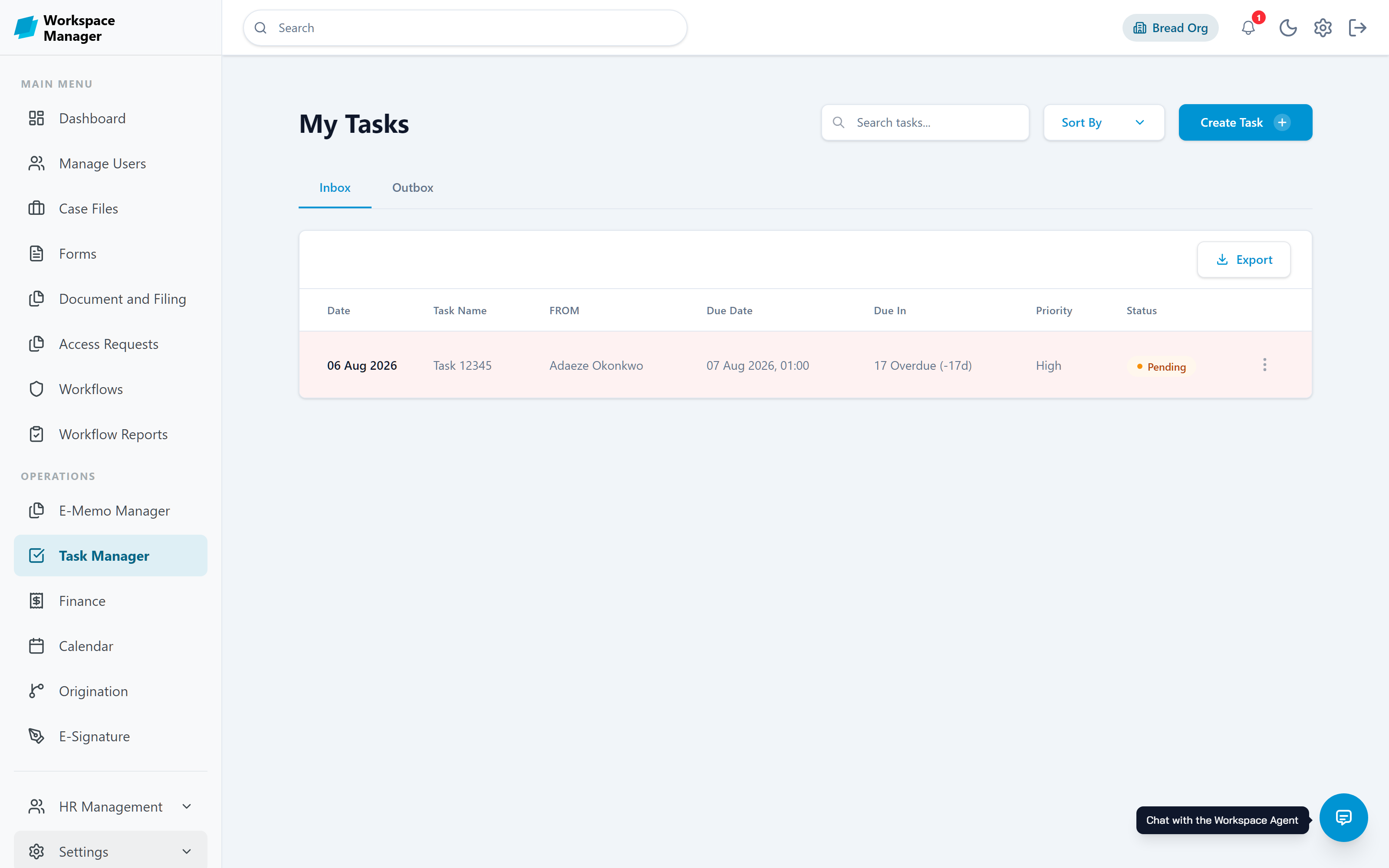
Task Manager
Personal inbox and outbox of tasks with priority, due date, and a due-in countdown that flags anything overdue. Create tasks directly or receive them from a workflow stage.
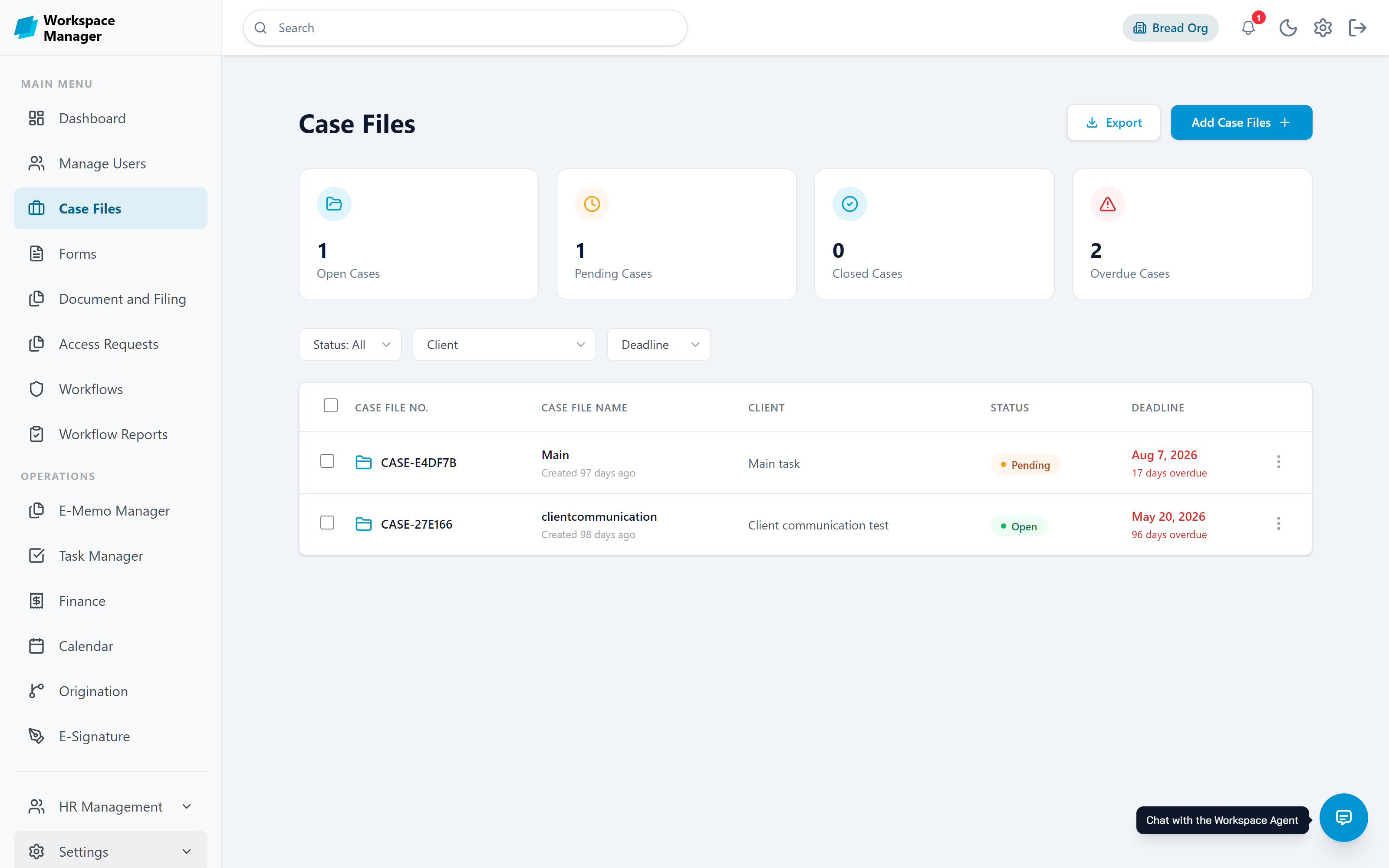
Case Files
One record per client or project, holding its tasks, milestones, events, documents, memos, and linked workflows. Open, pending, closed, and overdue counts sit at the top so nothing drifts.
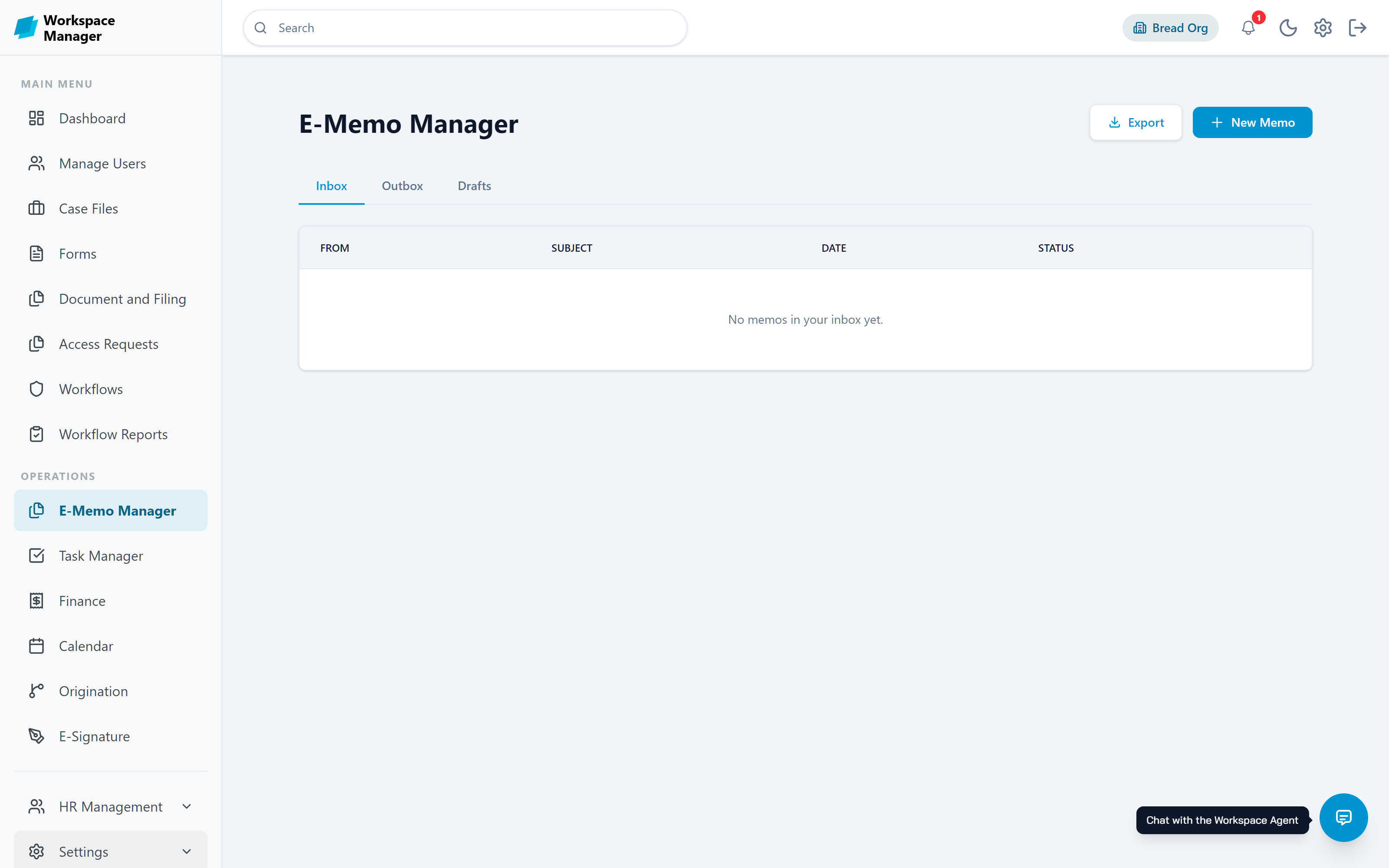
E-Memo Manager
Formal internal memos with an inbox, outbox, and drafts. Attach files, sign them, and send with an email notification. Memos also travel with workflow stages as a memo trail.
Document and Filing
Folder trees you can drag files between, with per-role view and edit rights, plus passwords, expiry dates, and access limits on the sensitive ones.
Calendar
Events with invitees, recurrence, reminders, and meeting links, tracked per person so you know who has confirmed.
E-Signature
Draw or upload your signature once and use it across memos, documents, and approvals, with a one-time code on every change.
Shape the platform without code
Under the surface, the same drag-and-drop approach extends to your data model, your dashboards, and your reports.
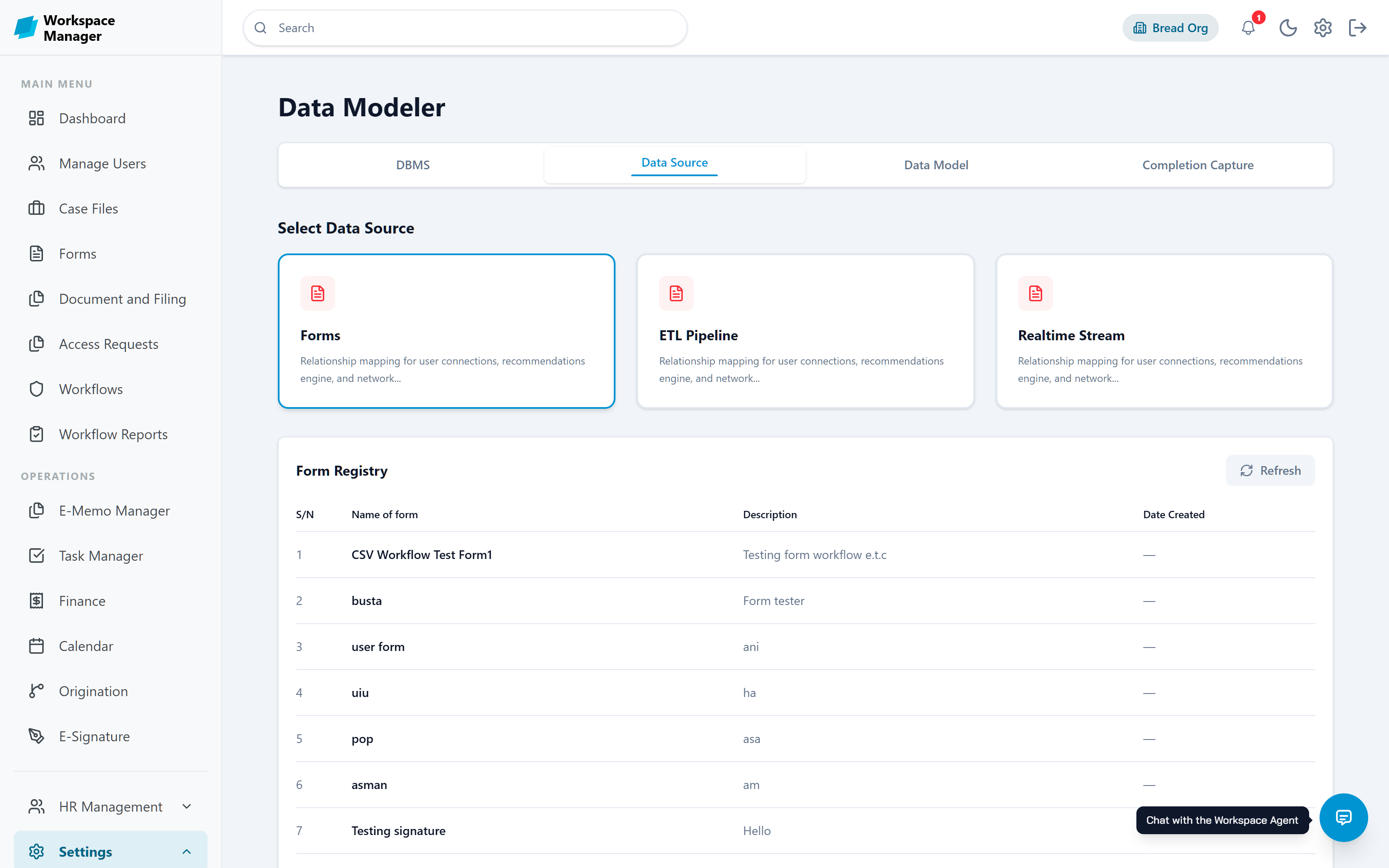
Data Modeller
Register your own tables and columns, use a form as a data source, map relationships between them, and choose which fields to capture when a workflow completes. Connect an external DBMS when you need one.
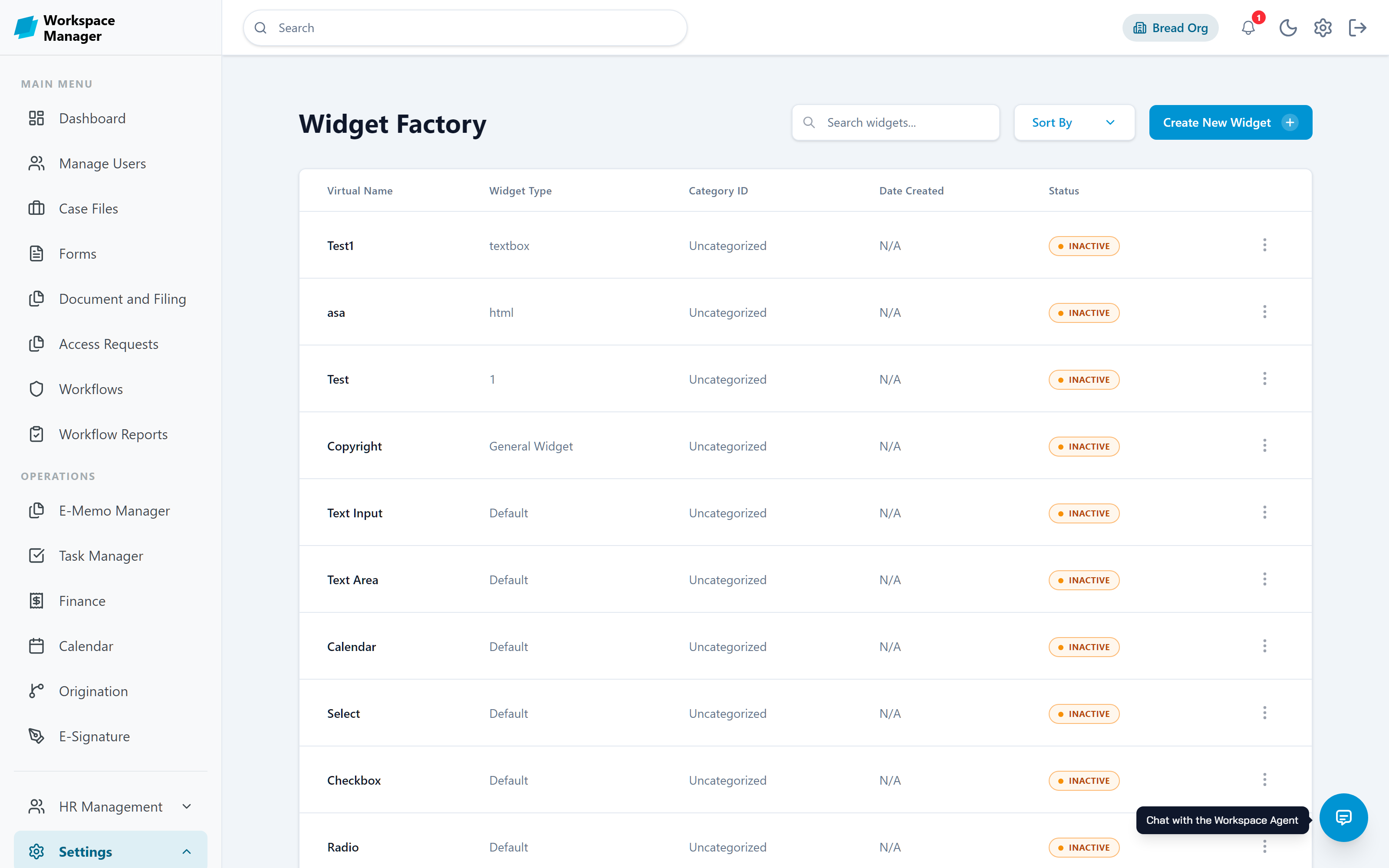
Widget Factory
Build the tiles that make up dashboards. Give a widget a name, type, category, and dataset, upload an HTML markup payload, and set its icon and display image.
Reports
Assemble reports from table, summary, and text sections on a drag-and-drop canvas, driven by saved queries. Share one by public link when someone outside needs to read it.
Data Query Manager
Named, reusable queries over your tables with filters, sorting, and page size, so a report section stays readable instead of hard-coding logic.
Ask your workspace a question
Retrieval turns the documents you already have into something the agent can answer from, and the agent works strictly inside your permissions.
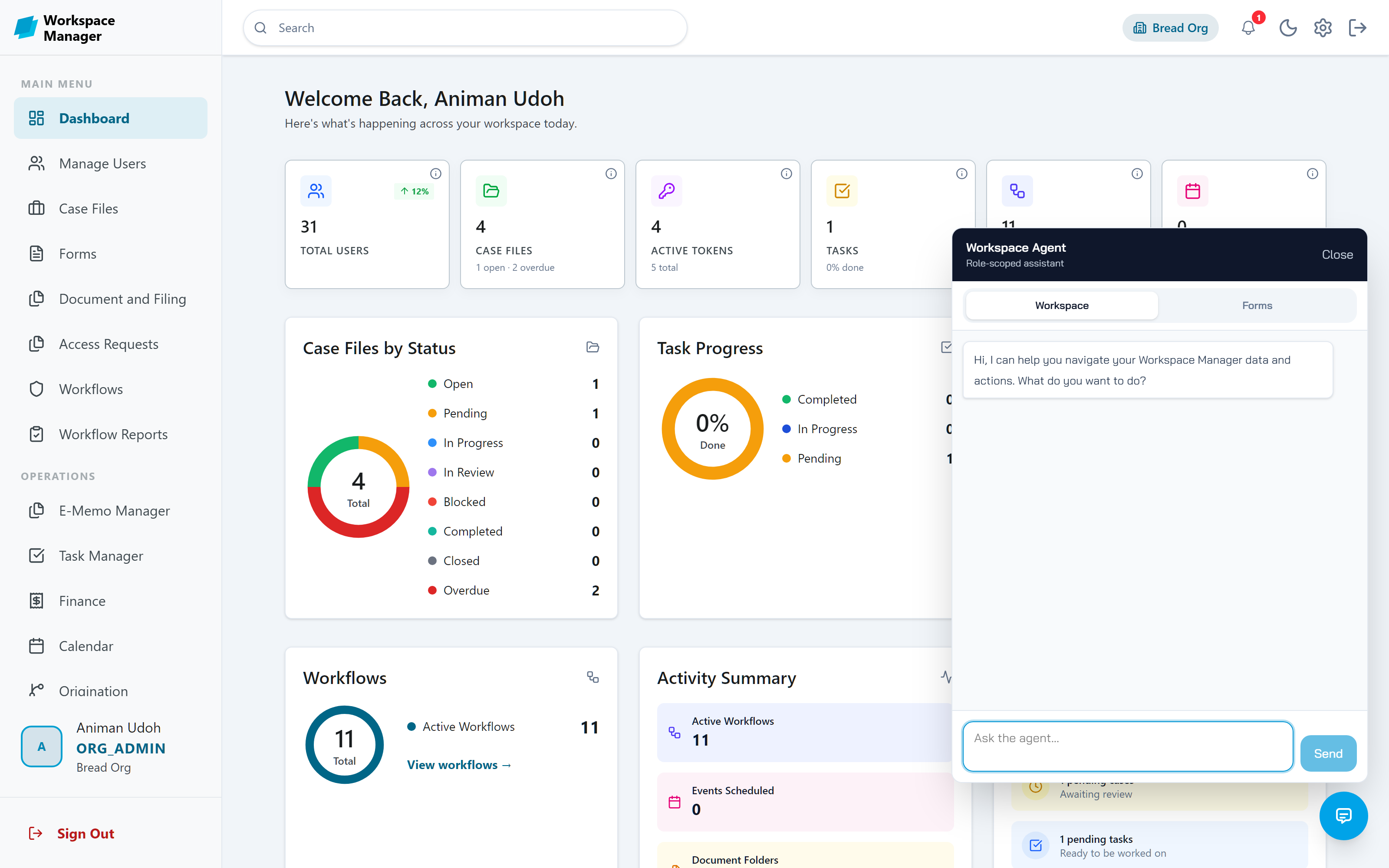
Workspace Agent
A chat assistant on every page. It finds records, drafts forms, guides workflow building, and performs actions such as submitting or approving, always after you confirm and always within your role.
Retrieval and RAG
Files are chunked and embedded so answers come from your own content. A dashboard shows ingestion status, chunks and embeddings produced, average processing time, and anything that failed.
AI Tool Registry
The catalogue of actions the agent is allowed to call in your organisation, filtered by service and operation, and evaluated against the caller's role.
Agent Prompt
Replace the platform's default system prompt with one written for your organisation when you want the agent to follow house rules.
Know who does what
Roles, teams, and the shape of the organisation itself, all sharing one permission model.
Manage Users and Roles
Create custom roles from a granular permission catalogue, assign one to every user, and bulk import people from a spreadsheet with their roles already set.
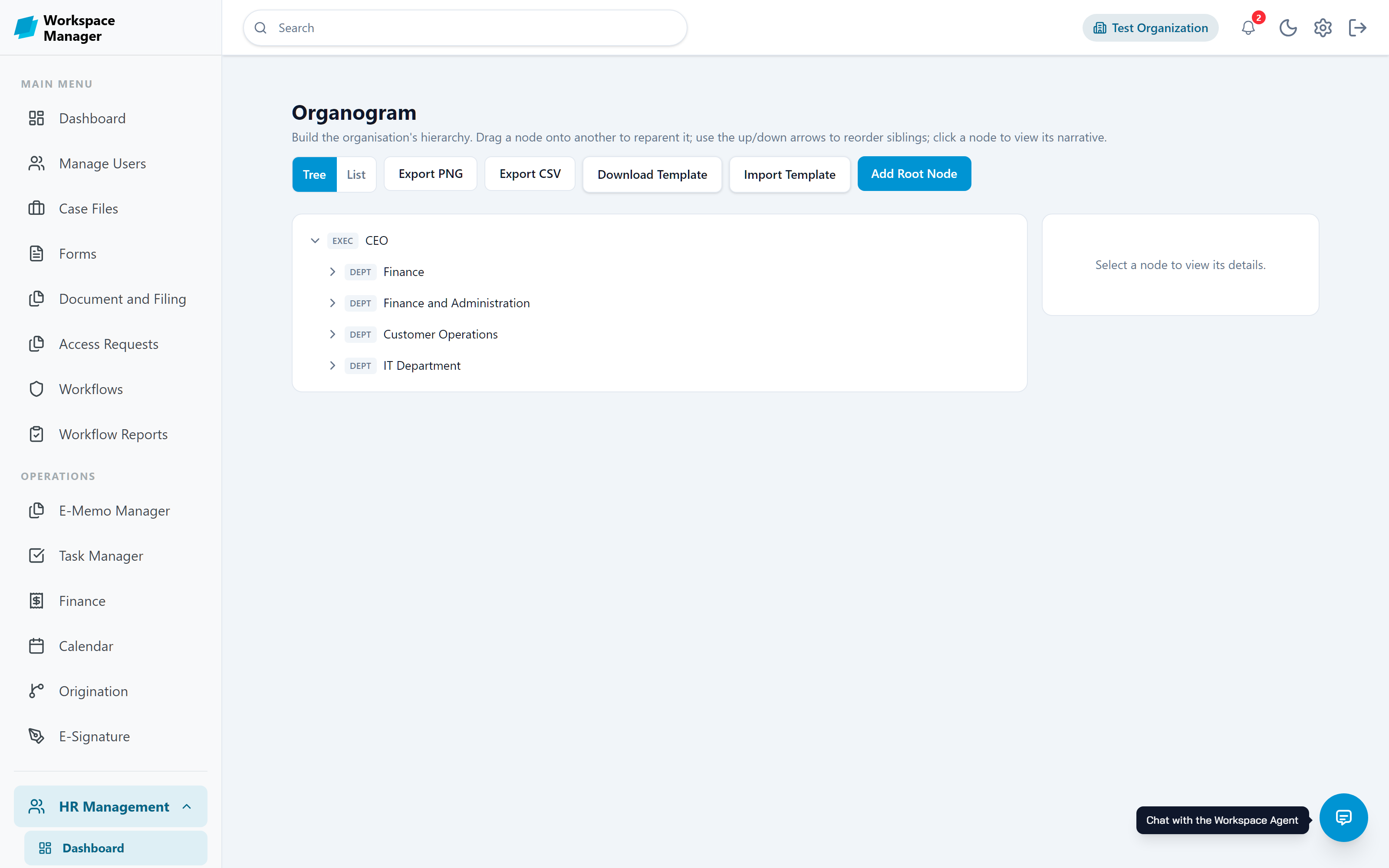
Organogram
Build the organisation as a tree, attach narratives and role profiles to each position, and restrict which branches a role can see.
Onboarding
Collect an organisation's structure, processes, and roles into a dossier, review it with change tracking, and export a Standard Operating Manual.
Workgroups
Named team queues that can own a workflow stage, so work goes to a team rather than a single person.
HR Management
Leave requests and approvals, team presence, availability tracking, employee directory, and a cover queue for work held by people on leave.
Finance
Invoices, expenses, payments, client accounts, and an aging report, with invoice approval wired into a workflow task.
Prove what happened
Everything above is recorded. When someone asks who approved a thing in March, you answer with a search rather than a meeting.
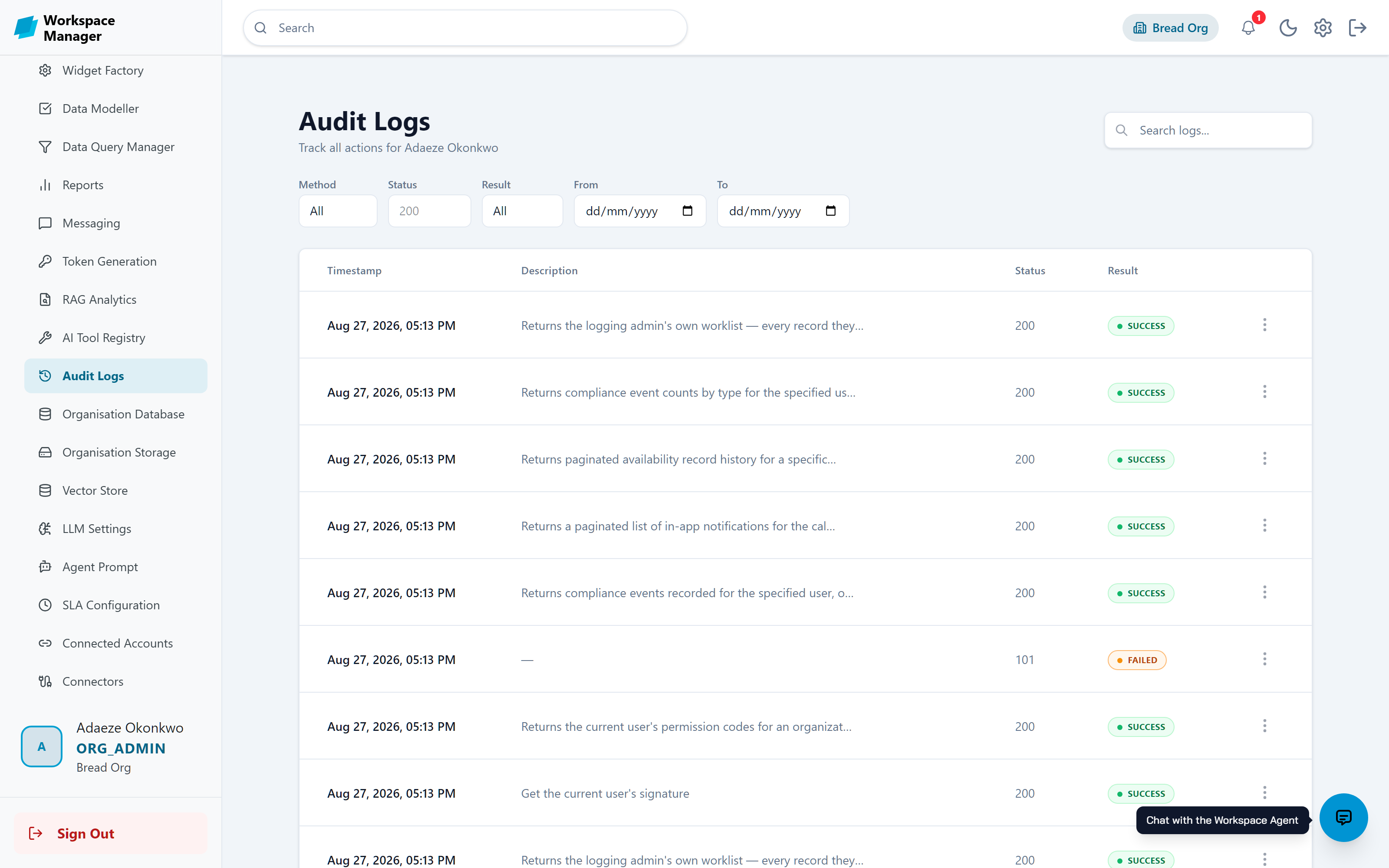
Audit Logs
Every action recorded with its user, method, path, timestamp, and result. Filter by any of them across a date range.
SLA Escalation
Working-hours-aware timers that escalate a stalled task up a ladder of levels and raise a ticket for whoever needs to act.
Token Generation
API tokens with names and expiry dates, revealed once and revocable at any time, so your own systems can integrate safely.
Compliance Dashboard
A staff compliance summary with an event timeline and pattern alerts for repeated absences or unresponsive periods.
Wondering where your data lives?
Every module here runs on infrastructure you can choose, in a region you pick, under access rules you write.
Start with one process
You do not have to adopt all of this at once. Most teams publish a single form, then grow from there.